
60% Off – Ashampoo Photo Commander 19: Lifetime License | All-in-One Photo Editor, Viewer, & Organizer – for Windows

The total solution to edit, present, view, and organize your photos. Over 200 features cover all common photography-related tasks. Get Ashampoo Photo Commander 19 license with 60% Discount Coupon, today!
Ashampoo Photo Commander 19 Review at a Glance
Do you find your photos taking up all of your hard drive space? Do you want to be able to edit and organize them in one place? If so, then Ashampoo Photo Commander 19 is the perfect product for you. It will allow you to view, edit and organize all of your photos in one place.

Few photo editors can fulfill most users’ needs. Editing software is often either too limited even for beginners or an overwhelming set of tools that would intimidate most pros. Ashampoo Photo Commander 19 is the all-in-one photo software solution for the comfortable organization and optimization of your photo collection combines an easy-to-use interface with several powerful functions and features.

With Ashampoo Photo Commander 19, you’ll be able to edit, add effects, perform automated fixes, and share all of your photos and images from one convenient interface. Professionals will appreciate Photo Commander’s dual-view mode, which enables previewing, image editing, batch processing, and file support for RAW and Google’s funky WebP format. This software also organizes, searches, and filters images for quick photo selection.

The program allows you to quickly and straightforward manage your video and photo collection including options to create groups, tag photos and put together virtual photo albums. Assign for example the name of your last travel destination (tagging) to your holiday pictures.
Set your photo slideshows to your favorite music, work with MP4 and AVI files without the need for additional codec installations and present your photos to friends and family as online galleries or on the go thanks to easy uploading to Facebook and other social networks.

Ashampoo Photo Commander 19 enjoys a growing fan base not least thanks to its constantly enhanced feature set. Minute details such as improved fading effects in fullscreen mode, more sophisticated image effects or additional useful settings in the save dialog show our love for detail and our continued commitment to the wishes and requests by our customers.
What’s New?
What’s New in Ashampoo Photo Commander 19
Ashampoo Photo Commander 19 takes photo management to the next level with powerful new security, smarter organization, and enhanced performance. This release introduces automatic encryption to protect your database, backups, and registry entries, along with optional screenshot protection to guard your content from third-party access. Stability has been significantly improved thanks to autosave and a brand-new crash reporter, ensuring your work is always safe. The software now automatically detects connected drives, features a redesigned Where?/When? view with file counts for faster navigation, and expands support for modern formats including WEBP animations, updated RAW files, and optimized video codecs. Enhanced wizards, faster duplicate detection, and improved scanner support complete this major upgrade—making Photo Commander 19 more secure, faster, and more future-ready than ever.
New in this version 19:
What’s New in Ashampoo Photo Commander 19

Ashampoo Photo Commander 19 takes photo management to the next level with powerful new security, smarter organization, and enhanced performance. This release introduces automatic encryption to protect your database, backups, and registry entries, along with optional screenshot protection to guard your content from third-party access. Stability has been significantly improved thanks to autosave and a brand-new crash reporter, ensuring your work is always safe. The software now automatically detects connected drives, features a redesigned Where?/When? view with file counts for faster navigation, and expands support for modern formats including WEBP animations, updated RAW files, and optimized video codecs. Enhanced wizards, faster duplicate detection, and improved scanner support complete this major upgrade—making Photo Commander 19 more secure, faster, and more future-ready than ever.

What’s New

+ Automatic encryption for database, backups, and registry entries
+ Optional screenshot protection against third-party access
+ Autosave and new crash reporter for improved stability
+ Automatic detection of USB sticks and external hard drives
+  New Where?/When? view with file counts
+ WEBP animation support with EXIF and XMP data
+ Updated RAW plugin for modern digital cameras
+ Optimized GIF decoder and new video codecs
+ Redesigned wizards and faster duplicate search
+ ADF scanning support for Canon Pro scanners
Features
Key Features of Ashampoo Photo Commander 19:
- Create, present and share
- Perfect panorama feature for widescreen pictures
- Slideshows with huge resolutions up to 4K
- Flexible calendar creator with customizable start and end dates
- More music formats and effects for slideshows
- Turn GPS data from JPG and RAW images into concrete locations
- Add geotags to individual images with ease
- Sort by country, city, and street
- Find locations through Google Maps, Bing Maps or OpenStreetMap
- Control everything on one display and present it on another
- Enhanced Ken-Burns effect for portrait and landscape formats
- Seamless image transitions without gaps
- Extract images from PDF and MP4 files
- Faster creation of cards, frames, and vignettes
- 3D photo cards
- Create cards from photo collages
- Web photo galleries with many styles and settings
- Photo mix with unlimited number of images
- Photo mix with image effects
- Optimized GIF animation creation
- Easier card creation with numerous templates
- Send email using browser-based email clients
- print styles for passport photo and lomographic style
- Integrated Ashampoo web space uploader
- Completely redesigned wizard for creating video slideshows
- Frame-Center: Design and print greeting cards
- Improved printing to fit several image copies on a single page
- Upload images and albums to Facebook, Youtube, etc.
- Export images to PDF
- Create HTML albums
- Create slideshows
- Create photo collages
- Add frames to images
- Create photo mixes
- Create TIFF files from multiple images
- Burn photos to CD, DVD or Blu-ray
- Email photos
- Manage and organize
- New wizards for slideshows, batch processing, and duplicate scans
- Search combinations to filter through huge collections quickly
- Take the long view: group files by decades
- Clearly structured status bar with EXIF view
- New and flexible group view with easy file selection
- Faster duplicate image finder
- More intuitive batch processing with savable settings
- Faster navigation with Picture Flow (view 3 images at once)
- Support for XMP metadata
- Easier selection of multiple files in overview mode
- Group files by size for improved clarity
- Save as Adobe© Photoshop document (*.psd)
- Fully WEBP compatible
- Different view modes (miniature, film strip etc.)
- Fully Adobe© XMP compatible
- Filter files by several criteria (e.g. only JPGs)
- Integrated video and audio playback
- Create virtual photo albums
- Tag photos with custom keywords
- Different view modes for photo collections (file explorer, album or calendar)
- Batch processing, e.g. convert multiple images into a different format
- Find duplicates and image look-a-likes
- Fullscreen view for photos and videos
- Rotate videos during playback
- Miscellaneous
- Full Windows 11 compatibility
- Native 64-bit support for optimal memory usage and speed
- Completely redesigned app-like interface
- Adaptive menus for quick access to your favorite features
- Clearly structured status bar with EXIF view
- Export and edit metadata with ease
- Modern video playbar with live image preview
- All miniature bar in viewer
- Upgrade-friendly: Automatic import of existing settings
- Optimized hardware acceleration
- Auto-backup feature to create image backups prior to each modification
- Easy scrolling with image mini maps
- Requires less disk space
- Customizable user interface with skins
- Faster program startup
- Accelerated photo browsing
- Import and export program settings
- Touch screen support for Windows® 7, 8, 10, 11
- Edit and optimize
- Auto-recovery for overexposed, faded images
- PNG optimizer: drastically reduce the file sizes and bandwidth consumption
- PNG animations: easily create the successor to GIFs
- Cut out persons and objects with ease
- Cut out and copy multiple objects at once
- Freely adjust image perspectives
- Combine perspective and mirror effects
- Edit bitmap objects
- Create slideshows with MP3 Songs
- Color Accent Effect
- Effect Center – preview and customize image effects live
- Tilt shift tool to turn images into miniature scenes
- Effect pen to apply effects with pixel precision
- Convert 3D images back into 2D
- In-Paint Tool – remove unwanted objects, e.g. scratches and gaps
- Repair pen
- 1-Click optimizer
- Improved image adjustments with gradation curve, histogram views and controls
- Focus effect tool
- Automatic dual view mode: directly compare original and altered images
- Add texts, shapes, images or drawings to photos
- Batch processing, e.g. apply effects to and rotate multiple images
- Adjust contrast, brightness, saturation, temperature and gamma settings
- Adjust size, crop, rotate or straighten images
- Automatically or manually remove red eyes
- Miniaturization effect to create miniature photos
- Clone areas
- Straighten photo horizons
- Scan and import
- Scan multiple pages in a single pass (ADF Scanning)
- Create multi-page PDFs in a single scanning pass
- New Scan Wizard
- Dropbox, OneDrive and Google Drive photo import
- Smart photo importer
- Improved RAW support
- Support for MPO and JPS 3D formats
- Photo and video import from digital cameras
- Improved JPG support with color profiles
- Support for Google WebP format
- Sort images by EXIF creation date into subfolders
- Scan photos
Requirements
To run Ashampoo Photo Commander 19 with optimum reliability and performance, your system should match the following requirements:
System Requirements for Windows OS:
- Operating System: Windows® 11, Windows® 10, Windows® 8 / 8.1, Windows® 7
- Computer: Any computer that runs one of the above operating systems at a reasonable speed.
- Software: Microsoft Visual C++ 2013 x86 Redistributable
- Graphic Card: Min. screen resolution
- 1280×1024 – 100%
- 1600×1200 – 150%
- 2048×1536 – 200%
- 2560×2048 – 250%
- Software Installation and Activation:
- For some services an Internet connection is required
- An Internet connection is required to activate the program.
System Requirements for Mac OS:
Downloads
Please feel free to download Ashampoo Photo Commander 19 for Windows PC here. This photo editor and organizer by Ashampoo GmbH & Co. KG has been tested professionally and we are assured that no viruses, Trojans, adware or malware contained.
BUY NOW
Ashampoo Photo Commander 19 is currently priced at $55.00. However, you now have the opportunity to save on your license key purchase with a discount coupon code that offers up to 60% off. Hurry, as this limited-time offer won’t last long!
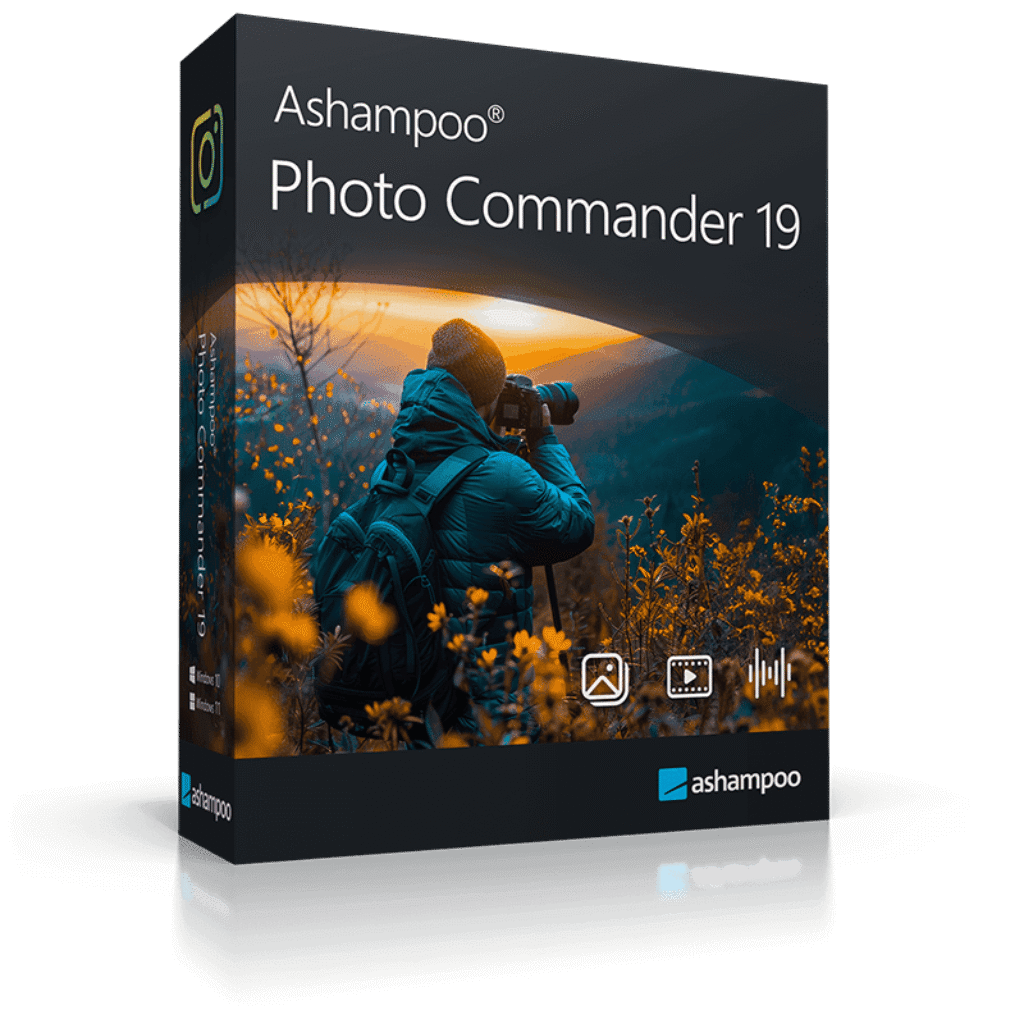
A true all-rounder to view, edit and organize your photos. Get the latest version at the best offer today!
- Delivery: Download version, One-time payment, No time limit
- Automatic encryption of database, backups & Registry
- Optional screenshot protection against third-party access
- Crash safety with autosave & new crash reporter
- Automatic drive detection for USB sticks & external hard disks
- 'Where?/When?' view with file counts for quick overview
- WEBP animations with EXIF & XMP support
- Updated RAW plugin for digital cameras
- Optimized GIF decoder & new video codecs
- Improved wizards with new design & faster duplicate search
- ADF scanning for Canon Pro scanners
- One-time payment, No time limit
- Delivery: Download-Version
- 24/7 Technical Support by Ashampoo
- 30-day money-back guarantee
Platform: Windows®
The true all-rounder to view, edit and organize your photos. Upgrade to the latest version at a bargain price now!
- One-time payment, No time limit
- Upgrade version
- No previous license / program required
- License for the previous version remains active
- Delivery: Download-Version
- 24/7 Technical Support by Ashampoo
- 30-day money-back guarantee
Platform: Windows®
This software is unavalialbe for Mac user, but we can recommend the following product for mac below:

Movavi Picverse: Lifetime License BEST SELLER

CyberLink PhotoDirector 365 BEST SELLER
Movavi Photo DeNoise BEST SELLER
Movavi Picverse: Lifetime License BEST SELLER
SoftOrbits Digital Photo Suite - for PC BEST OFFER

Movavi Photo Focus - for PC / Mac BEST OFFER
Movavi Photo DeNoise BEST SELLER
Movavi Photo Noir (For Windows) BEST OFFER
Ashampoo Photo Commander 17 Activation Key giveaway
Available now FREE for a limited time!

Please note that once you signed in, do not close this page. You will be shown how to get this offer for free.


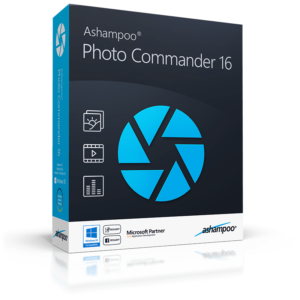
Thanks for reading Ashampoo Photo Commander review & enjoy the discount coupon. Please Report if the Ashampoo Photo Commander 19 license Key Giveaway / discount coupon has a problem such as expired, broken link, sold out, etc.


![[KEY #2] Giveaway – UltraPic Pro: Free Activation Code | Instant Background Remover, Batch Processing, AI Backgrounds, Pro E-commerce Photo Editing Tool](https://thesoftware.shop/wp-content/uploads/thumbs_dir/UltraPic-Pro-Free-Credits-Activation-Code-Giveaway-rfw7nyk7hu4iw3lyks61674v7m1vsvlmyfi22fordk.png)
![[KEY #11] Giveaway – SoftSkin Photo Makeup 5.2: Free License Key | Full Version for Windows](https://thesoftware.shop/wp-content/uploads/thumbs_dir/SoftSkin-Photo-MakeUp-Review-Download-Discount-Coupon-rfoskhu0t1a270lx4y0mz4kv65gbyjvfaarwn2msgo.png)



“This site can’t be reached”
I got this when I click “Buy Now”, I tried from 3 to 5. Still the same error
hi, i tried all ‘BUY NOW’ buttons and they are worked.