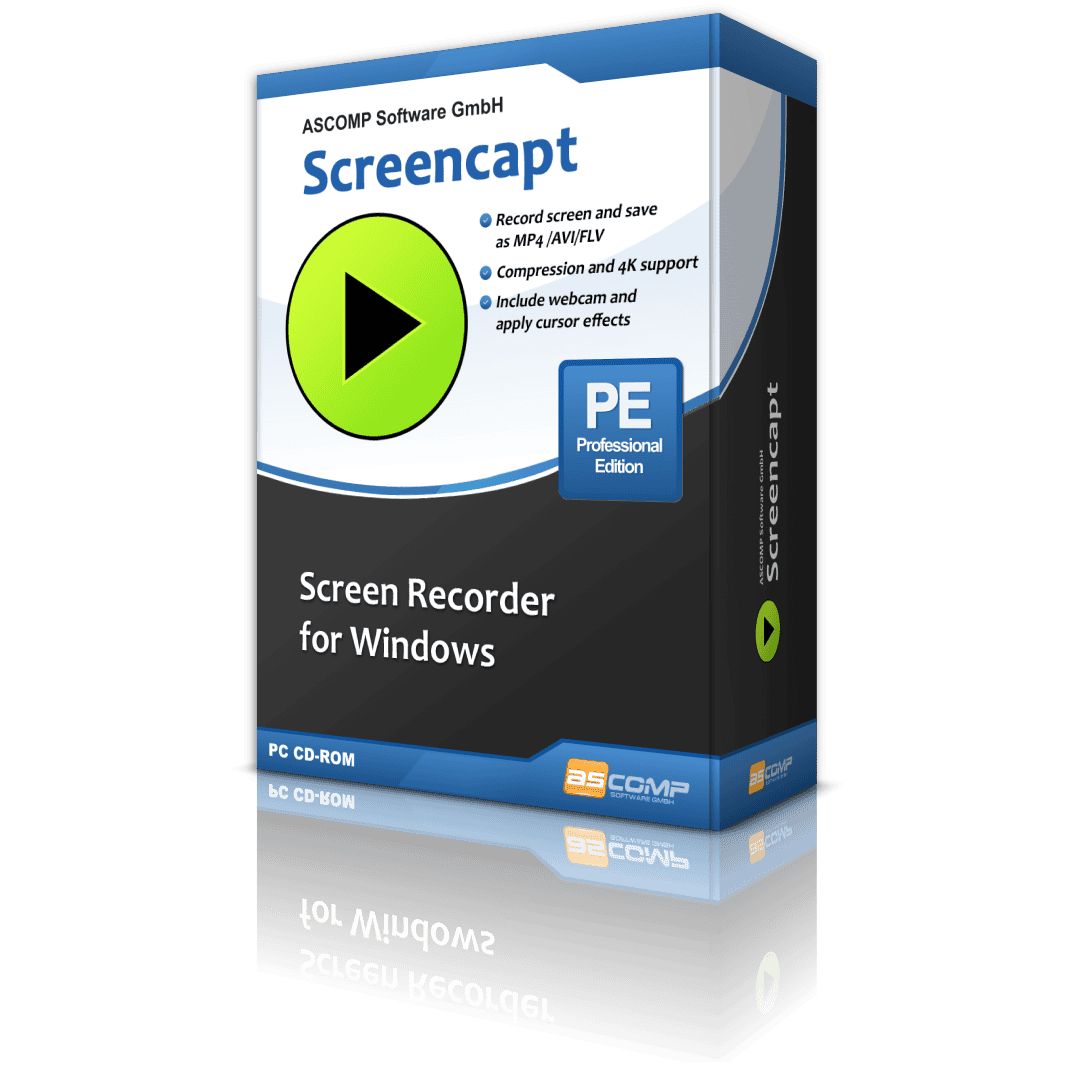
ExpiredGiveaway — ASCOMP Screencapt Pro v3.006: Unlimited Validity License | Full Version – for Windows

Free Full-Version License Key | Unlimited License Validity | High-Quality Screen Recording | Audio & Webcam Support
Record Your Screen with Professional Quality. Get a Full Version of ASCOMP Screencapt Pro v3.006 with an Unlimited Validity License for FREE!
Special Offers
ASCOMP Screencapt Professional BEST OFFER
Text-R Professional: Lifetime License , Free 2-Year Updates BEST OFFER
ASCOMP Backup Maker Professional BEST SELLER
ASCOMP Secure Eraser Professional Edition BEST SELLER
TubeLoad Professional BEST OFFER
Giveaway
ASCOMP Screencapt Pro is available for $24.90, but for a limited time, you can get a Full Version of ASCOMP Screencapt Pro v3.006 with an Unlimited Validity License for FREE!!
- Click on the big GET NOW button and you will go to the ASCOMP Screencapt Professional deal page
- On the deal page, go to the BUY NOW section and open the Giveaway tab.
- On the Giveaway tab, enter your email to open the offering box that contains the license key to get the full version
- If your email is already entered, you will see the offering box
- Read the hints on the offering box for the next step.
- Enjoy the software giveaway!
Overview
ASCOMP Screencapt Pro v3.006 is a screen recording application built for anyone who needs to capture what happens on a Windows computer and turn it into a polished, shareable video. From business meetings and software walkthroughs to gaming sessions and online courses, this tool gives you a straightforward way to record, edit, and export video content without technical hurdles. This full version license grants unlimited validity, meaning you install it once and use it for as long as you need, with no recurring subscription fees or forced renewals interrupting your workflow.

Built for Every Recording Scenario
Content creators, trainers, teachers, and gamers all have different recording needs, and Screencapt Pro is designed to serve all of them. If you run online meetings, you can record the entire session for later reference or share it with colleagues who could not attend live. If you build training materials or e-learning courses, you can narrate your screen activity, add your webcam feed, and produce a finished lesson in a single sitting. If you create software demos, you can show every click and menu selection clearly, which helps viewers follow along without confusion. Gamers can record gameplay footage in smooth, high-quality video suitable for sharing on video platforms or reviewing later to improve technique.
Simple Setup, Fast Results
One of the biggest advantages of this software is how quickly a new user can get started. The interface groups every setting into clear, logical sections, so there is no need to read lengthy manuals before producing your first recording. You select your recording area, choose your audio source, decide if you want your webcam included, and press record. Within a few clicks, you have a finished video ready to save, edit, or share. This matters for busy professionals and content creators who need to produce material quickly rather than spend hours learning a complicated interface.
Complete Control Over Recording Settings
Screencapt Pro gives you granular control over how your recordings look and sound. You can set the resolution to match your target platform, such as a corporate intranet, a video sharing site, or a client presentation. You can define the exact recording area, capturing the full screen, a specific application window, or a custom region you draw manually. Audio settings let you record system sound, microphone input, or both simultaneously, so your narration and any background application sounds are captured together in sync. This level of control means the final video matches your intended use case precisely, rather than requiring extensive post-production fixes.
Add Your Voice and Webcam
Recording your screen alone often is not enough to keep an audience engaged. Screencapt Pro lets you add a webcam overlay to your screen recording, so viewers can see your face while you explain what is happening on screen. This personal touch works well for tutorials, product demonstrations, and online courses where a human presence builds trust and keeps attention. Combined with a clear microphone recording, you can produce a video that feels like a real conversation rather than a silent screen capture with subtitles added later.
Export in Formats You Can Actually Use
Once your recording is finished, Screencapt Pro exports your video in widely supported formats, so you are not stuck with a proprietary file that only works inside the software itself. You can save your video in common formats accepted by most video players, editing programs, and sharing platforms. This means you can upload your finished recording directly to a company intranet, send it by email, post it to a video platform, or import it into a video editor for further refinement. There is no conversion step required before your video becomes usable in the real world.
Practical Applications Across Industries
Business teams use screen recording to document processes, create internal training libraries, and record client-facing demonstrations. Freelancers and consultants use it to send personalized video explanations instead of long written instructions, which often communicates complex ideas faster and more clearly than text alone. Teachers and course creators use it to build lesson libraries that students can watch at their own pace. IT support staff use it to record troubleshooting steps so a fix can be repeated by someone else without a live call. Gamers use it to capture highlight moments or full play sessions for content channels. Screencapt Pro fits naturally into each of these workflows because its settings are flexible enough to adapt to different goals without needing separate specialized software for each task.
Reliable Performance on Windows Systems
Screen recording software has to work smoothly without placing excessive strain on system resources, otherwise the recording itself can affect the performance being captured, particularly during gaming or software demonstrations that already use significant processing power. Screencapt Pro is designed to record smoothly, producing video that plays back cleanly rather than choppy or stuttering, which is important when the recording is meant to represent an accurate demonstration of software behavior or gameplay performance. This reliability makes it a dependable choice for recording a five minute tutorial or a lengthy training session.
Conclusion
ASCOMP Screencapt Pro v3.006 gives Windows users a dependable, easy to operate screen recording tool suited to business presentations, online training, software demonstrations, and gaming content alike. With flexible recording settings, webcam and audio integration, and export options that work across common platforms, it removes the usual friction between having an idea and sharing it as a finished video.