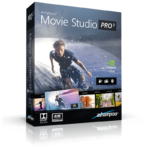
68% Off – Ashampoo Movie Studio Pro 3: Lifetime License | Professional 4K Video Editing Software for Cutting, Converting, Redubbing, DVD/Blu-ray Burning | GPU-Accelerated Rendering and Dolby 5.1 Surround Sound Movie Creation – for Windows PC

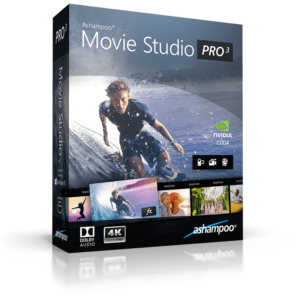
Create videos with resolutions up to 4k with Dolby 5.1 sound and converts videos between numerous formats. Get Ashampoo Movie Studio Pro 3 – Lifetime License with Discount Coupon!
30-day Money-back Guarantee | Secure Payment | 24×7 Customer Support
BUY NOW
Ashampoo Movie Studio Pro 3 is priced at $59.99, but you can acquire it with a perpetual license at a 68% discount using the coupon code automatically applied during checkout. This exclusive offer is valid for a limited time only.
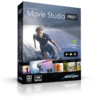
High-quality video editing with support for Dolby Digital, 4K and turbo converter
- Delivery: Download version, One-time payment, No time limit
- Deliver a true cinematic experience with opening and closing credits
- Work with effects, fade-ins and transitions
- New vibrant animations and transitions
- Multi-track editor
- Slowmo and time-lapse effects
- Export to hundreds of formats and resolutions for any purpose
- Brilliant Dolby 5.1 surround sound
- No learning period thanks to clear design
- Technical Support by Ashampoo
- 30-day Money-back Guarantee
Platfrom: Windows

Ashampoo Video Tilt-Shift BEST OFFER

Ashampoo Video Optimizer Pro 3 BEST SELLER

Ashampoo Cinemagraph: One-time payment, No time limit BEST OFFER

Ashampoo ActionCam: Lifetime License BEST OFFER
Ashampoo Soundstage Pro BEST OFFER
Ashampoo Movie Studio Pro 3 Giveaway
unavailable at this moment.
Please note that once you signed in, do not close this page. You will be shown how to get this offer for free.
Also, check out the latest software giveaways that are available here on the software giveaway page.
NOTE:
– All prices shown here are in listed USD (United States Dollar). Your local currency will be converted automatically, You can also switch to any other currencies during the checkout process.
– The discount coupon & your local VAT (Value added tax – if available, vary by country) will be applied at checkout automatically.
– The order(s) for the software are processed by the Cleverbridge company. This company accepts paying on-line, via PayPal, by fax, bank-wire transfer, check, cash, or purchase order.
– You will receive a notification e-mail from Ashampoo/Cleverbridge when your order is processed which will also include your license information.
– Such promotional programs are subject to change without notice, from time to time in our sole discretion.
– Data may vary based on different systems or computers.
Ashampoo Movie Studio Pro 3 Review at a Glance
Shaky footage, cluttered ad breaks, and mismatched audio can turn an otherwise great video into an amateur-looking mess. Most people record hours of raw clips on their phones or cameras but lack the tools—or the technical know-how—to turn that footage into something worth sharing. This is exactly the gap that Ashampoo Movie Studio Pro 3 fills.
What is Ashampoo Movie Studio Pro 3
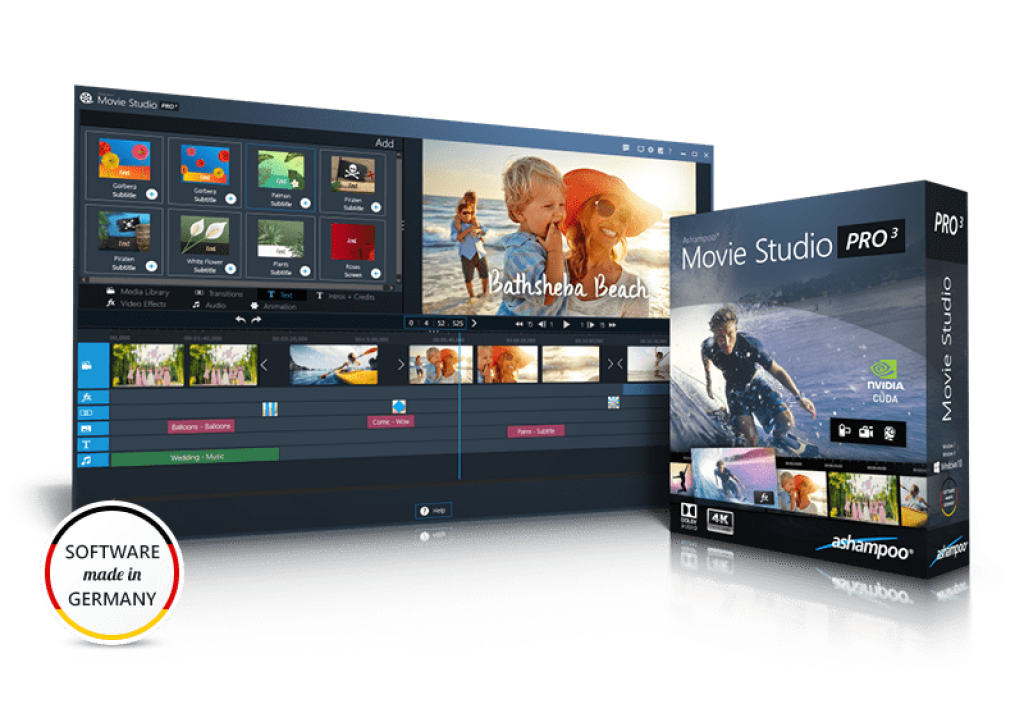
Ashampoo Movie Studio Pro 3 is a Windows-based video editing and conversion program designed to help users cut, enhance, and export video files across hundreds of formats and device profiles. It supports resolutions up to 4K Ultra HD and audio up to Dolby 5.1 surround sound, making it suitable for both casual home movies and higher-end production work.
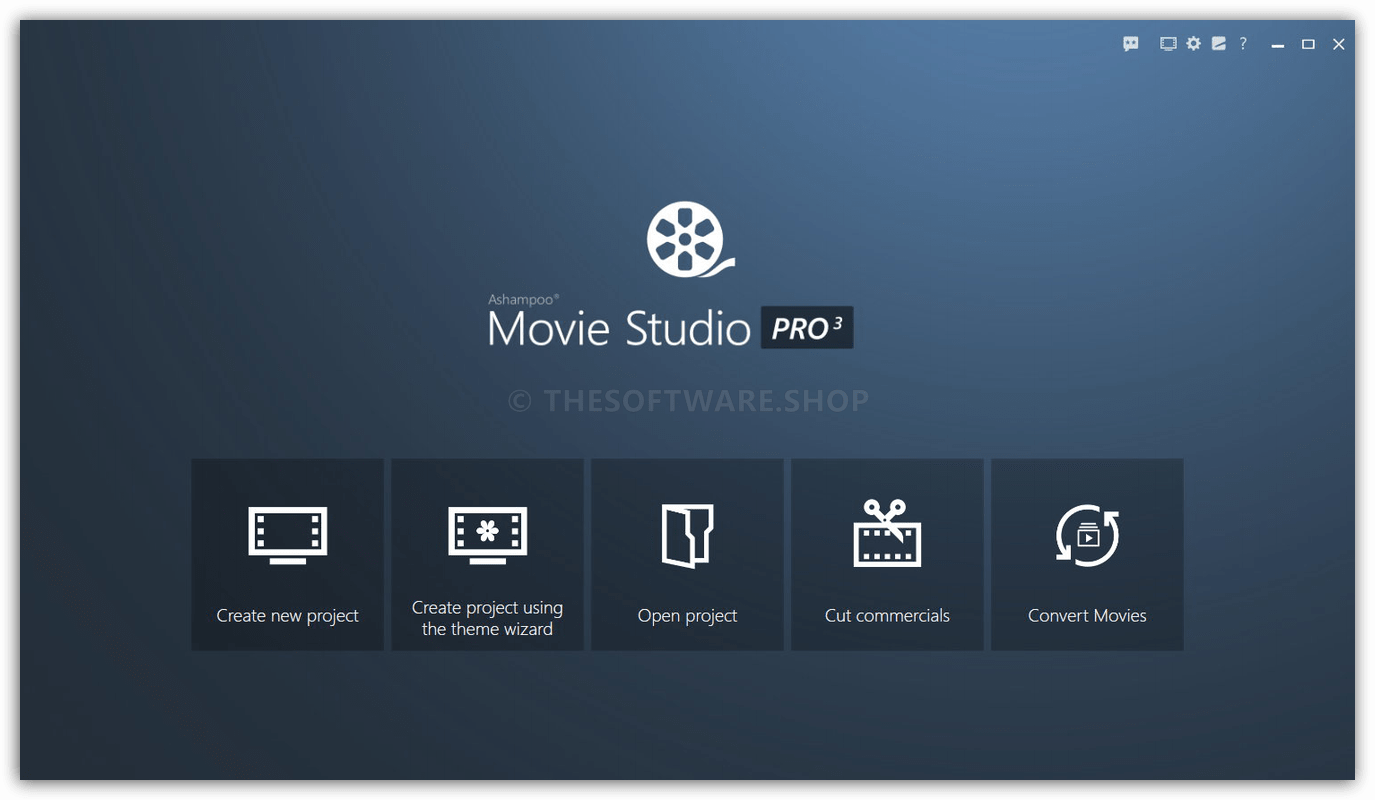
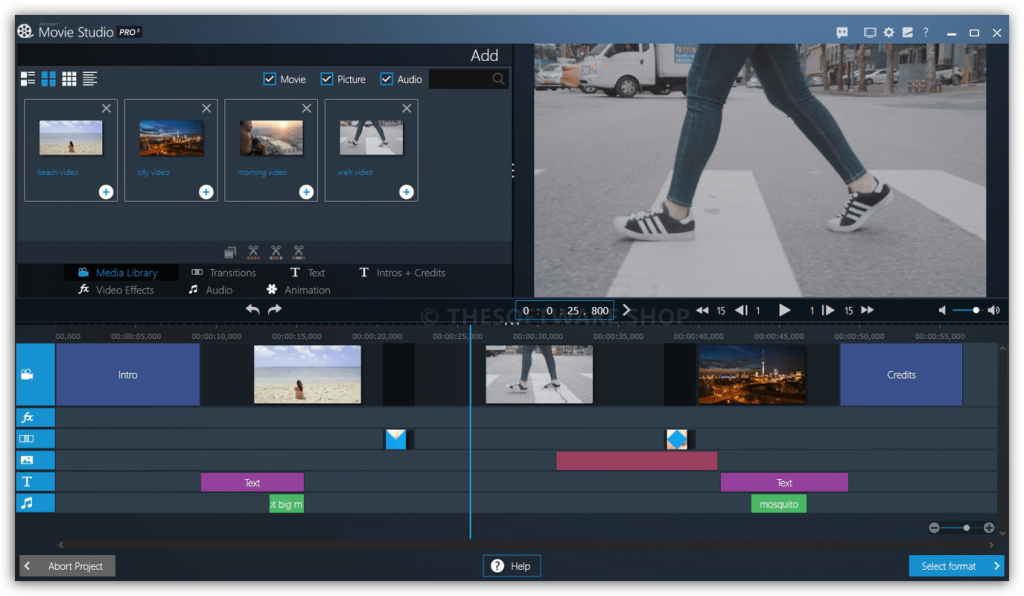
The software includes a redesigned editor with a built-in media library, letting users organize assets, apply transitions, add music, and adjust playback speed—all within a single workspace. Its precision ad-removal tool and smart cutting technology make trimming unwanted segments fast and exact, down to the millisecond. With over 100 new output presets, exported videos play smoothly across nearly any device, from smartphones to smart TVs, and the program even integrates DVD and Blu-ray burning for those who want a physical archive of their work.

This software is a complete video editing suite built for anyone who wants professional results without a steep learning curve. Whether you’re piecing together a family vacation reel, polishing a YouTube upload, or archiving old recordings onto DVD, the program combines precision editing tools, 4K resolution support, and Dolby 5.1 surround sound into one streamlined package. It strips away the confusing menus and jargon-heavy workflows found in many competing editors, replacing them with a clean interface that supports both simple and expert modes.
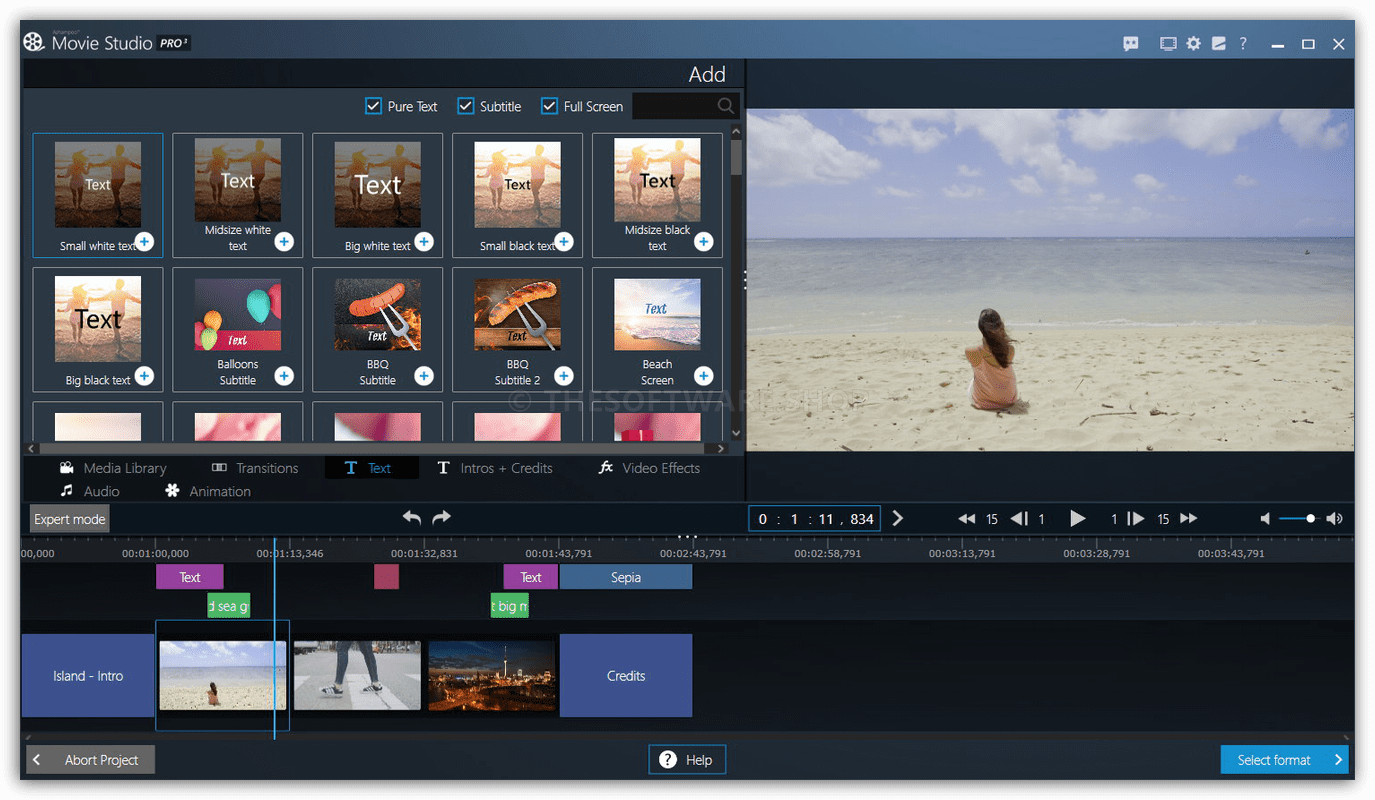
What makes this tool particularly valuable is its balance between power and accessibility. Content creators, small business owners, families, and hobbyists all benefit because the software scales to their skill level—beginners can rely on templates and one-click tools, while advanced users can dig into manual color correction, audio equalizing, and multi-track editing. Anyone frustrated by clunky software or slow rendering times will find real relief here, especially with GPU-accelerated conversion that speeds up exports by up to 400% on NVIDIA-enabled systems.
Key Benefits
The advantages of this software extend beyond basic editing, offering real time savings and creative flexibility for a wide range of users.
- Faster rendering with GPU support: converts video up to 400% faster on NVIDIA graphics cards, cutting down long export waits.
- Simplified workflow for all skill levels: the dual simple/expert mode setup means beginners aren’t overwhelmed while pros still get full control.
- Broad device compatibility: over 100 output profiles mean your finished movie plays correctly on iOS, Android, smart TVs, and web platforms without extra conversion steps.
- Professional audio and visual polish: Dolby 5.1 support, a built-in equalizer, and color correction tools help footage look and sound noticeably better.
- Ad and clutter removal: the dedicated commercial-cutting tool saves time when cleaning up TV recordings or long clips.
- Long-term archiving options: built-in DVD/Blu-ray burning lets users preserve movies physically, ideal for gifts or family keepsakes.
These benefits make the software useful for content creators producing YouTube videos, families compiling event footage, small businesses creating promotional clips, and hobbyists who simply want cleaner, more polished home movies without hiring a professional editor.
Key Features
Below is a comprehensive list of the key features that make the software a valuable addition to your video production toolkit:
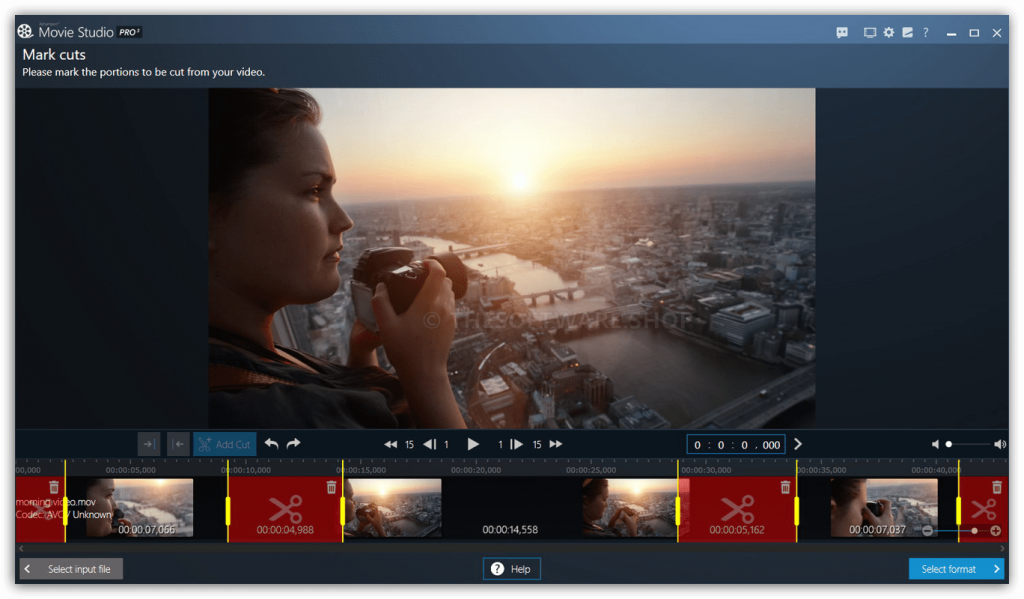
- Precision Video Cutting: make frame-accurate cuts to remove unwanted footage or split clips cleanly.
- Smart Cutting Technology: automatically detects scene breaks for faster, more accurate trims.
- Ad Removal Tool: mark and delete commercial segments from TV recordings with millisecond precision.
- Multi-Track Editor: layer video, audio, and overlay tracks simultaneously for complex projects.
- Drag & Drop Support: add files directly into the timeline without navigating through import menus.
- Smart Element Snapping: automatically aligns clips and overlays for cleaner transitions.
- 4K Resolution Support: edit and export videos in Ultra HD for sharper, more detailed visuals.
- Dolby 5.1 Surround Sound: deliver cinema-quality audio alongside high-resolution video.
- GPU-Accelerated Conversion: leverages NVIDIA graphics cards to speed up rendering by up to 400%.
- CPU and GPU Hybrid Processing: balances both processors for efficient encoding on varied hardware.
- Media Library: centralizes all project assets—clips, music, images—for quick access during editing.
- Project Asset Organization: keeps large projects manageable by sorting files automatically.
- Titles, Overlays, and Templates: add opening and closing credits using pre-designed themes.
- Occasion-Based Templates: choose designs suited for weddings, vacations, or sports events.
- Transitions and Animations: apply unique scene transitions to make cuts feel seamless.
- Custom Transition Creation: design your own transition effects for a personalized touch.
- Visual Effects Suite: enhance footage with filters like Old Movie, brightness, and contrast adjustments.
- Sharpness Adjustment: resharpen slightly blurry footage with a simple slider control.
- Playback Speed Control: create time-lapse or slow-motion effects from standard footage.
- Ken Burns Effect: add subtle pan-and-zoom motion to still images within a video.
- Audio Editing Tools: adjust volume levels and normalize audio tracks for consistency.
- Built-In Equalizer: fine-tune sound frequencies for clearer dialogue or richer music.
- Background Music Library: access a collection of royalty-free tracks and sound effects.
- Custom Audio Import: add your own music or voiceover tracks alongside built-in options.
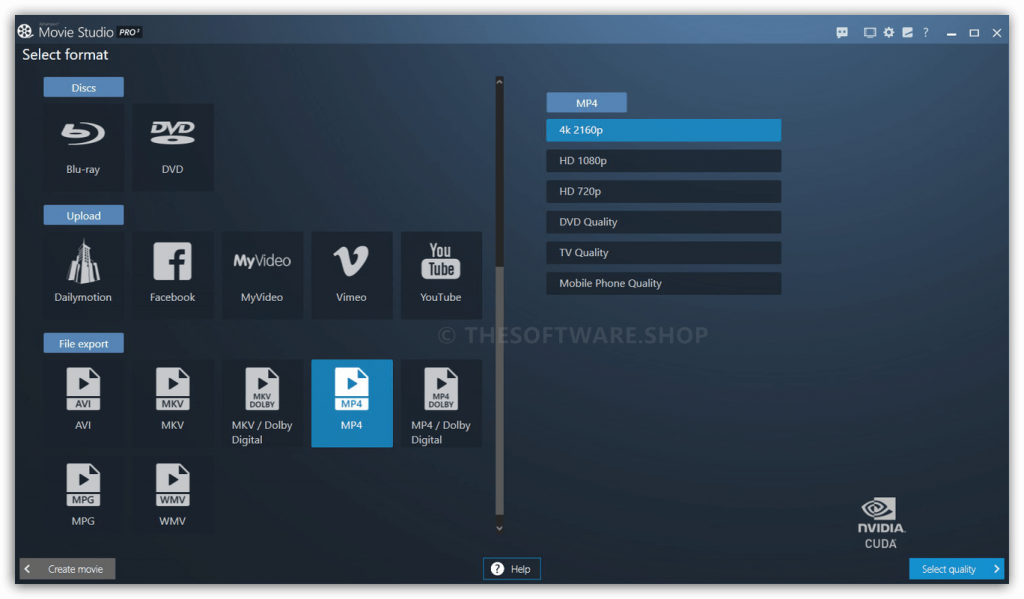
- DVD and Blu-ray Burning: export finished movies directly to disc using Ashampoo’s burning engine.
- Archive-Ready Output: create durable physical copies suitable for gifting or long-term storage.
- Wide Format Conversion: export to AVI, MKV, MP4, WMV, and Apple-compatible formats.
- Platform-Optimized Profiles: dedicated export settings for Facebook, YouTube, and Dailymotion.
- Simple and Expert Modes: switch between streamlined and advanced interfaces based on project needs.
- Mouse and Keyboard Navigation: full support for both input methods throughout the program.
- Automatic Shutdown Option: schedule the PC to power off automatically once rendering completes.
Requirements
To run #THE SOFTWARE with optimum reliability and performance, your system should match the following requirements:
- Operating System:
- Windows® 11
- Windows® 10
- Windows® 8
- Windows® 7
- Software:
- Windows Media Player 10
- Microsoft .NET Framework 4.0
- Processor:
- Recommended Intel Core i3
- Intel Dual-Core
- Intel Core i5
- Intel Core i7
- RAM:
- Recommended 8GB RAM
- 2GB RAM
- 4GB RAM
- 8GB RAM
- Graphics card:
- DirectX 9
- Pixel shader v2.0
- Min. 128 MB RAM.
- Min. 1280 x 1024
- CUDA support requires a NVIDIA GeForce 6 series card or higher with the latest drivers
- Other:
- An Internet connection is required to activate the program. The program license is verified repeatedly at regular intervals.
- For some services, an Internet connection is required.
Downloads
Not sure if #THE SOFTWARE does what you need? Try it out now. Please feel free to download Ashampoo Movie Studio Pro 3 here. This video tool by Ashampoo GmbH & Co. KG has been tested professionally and we are assured that no viruses, Trojans, adware or malware contained.
or
Buy now, the price start from:
Thanks for reading Ashampoo Movie Studio Pro 3 Review & Enjoy the discount coupon. Please Report if Ashampoo Movie Studio Pro 3 Discount Coupon/Deal/Giveaway has a problem such as expired, broken link, sold out, etc while the deal still exists.