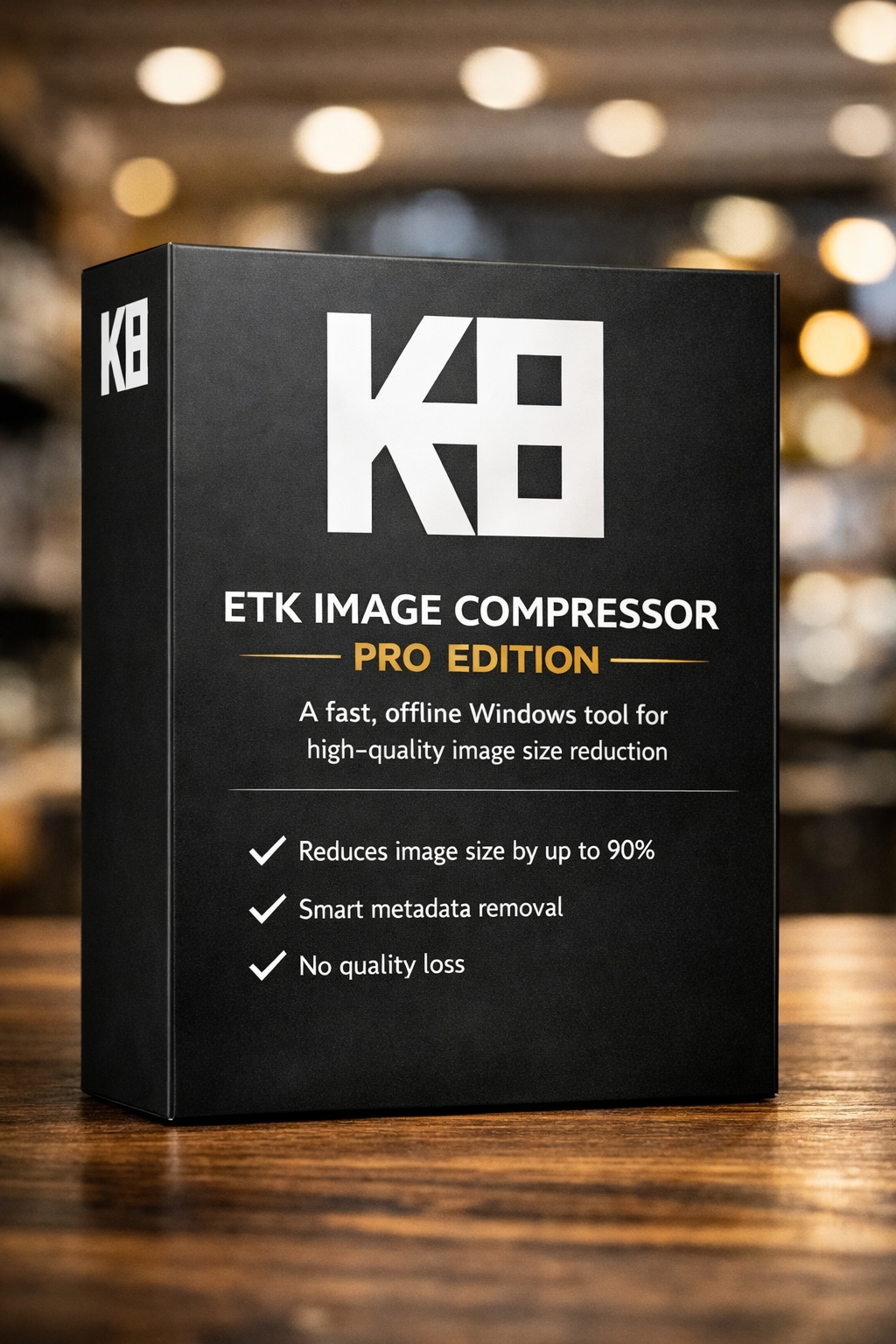
Giveaway – ETK Image Compressor Pro: Free Full Version | Next-Generation Image Compression – for Windows

Save Space Without Losing Quality — Get a Full Version of ETK Image Compressor Pro for FREE Today!
Free Full Version!
BUY NOW
ETK Image Compressor Pro is available as a one-time purchase of $60.00, giving you lifetime access without subscription fees. But for a lImited time, you can get a full version of ETK Image Compressor Pro v1.0 for FREE in the Giveaway tab below.
With the Pro license, you unlock no-watermark batch processing, full format support (PNG, WebP, TGA, EXR), 8K image handling, and metadata removal!

Ashampoo Image Compressor GIVEAWAY

File Inspector Pro GIVEAWAY

Winxvideo AI BEST OFFER

Vovsoft Batch Image Upscaler GIVEAWAY

Pippit AI BEST OFFER

ASCOMP PDF-Compress Professional BEST OFFER

82% Off – WinZip Ultimate Suite: 7 Premium Tools in One | File Compression, Encryption, PDF Editing, Large Attachment Sharing, and PC Optimization BEST OFFER

ApowerCompress: Lifetime License BEST OFFER
![[NEW KEY] Giveaway – UltraPic Pro/Pro+: Free Activation Code | Instant Background Remover, Batch Processing, AI Backgrounds, Pro E-commerce Photo Editing Tool](https://thesoftware.shop/wp-content/uploads/thumbs_dir/UltraPic-Pro-Free-Credits-Activation-Code-Giveaway-2485hak007vdtdebobh7jg3jtw8nb809zolgzlemf638.png)
UltraPic Pro GIVEAWAY

HitPaw VikPea BEST OFFER
ETK Image Compressor Pro Giveaway
Available now: Free For a Limited Time as a Giveaway Of The Day!
To access the giveaway, kindly provide your email address. Please refrain from closing this page after signing in to receive instructions on how to access the offer at no cost.
NOTES:
– All prices shown here are in listed USD (United States Dollar).
– Such promotional programs are subject to change without notice, from time to time in our sole discretion.
– Data may vary based on different systems or computers.
ETK Image Compressor Pro Review at a Glance
Large, unoptimized images are one of the most common reasons websites load slowly, apps feel sluggish, and hard drives fill up faster than expected. Photographers juggling thousands of RAW-derived files, developers shipping game textures, and designers managing heavy PNG assets all face the same frustration: traditional compressors either destroy image quality or barely reduce file size at all.
ETK Image Compressor Pro solves this problem with a proprietary compression engine built specifically for Windows users who need serious file-size reduction without visible quality loss.
What Is ETK Image Compressor Pro
ETK Image Compressor Pro is a professional, offline desktop compression utility for Windows that reduces image file sizes by up to 90% while maintaining near-zero visible quality loss. It supports batch processing across entire folders while preserving your original folder structure, and it strips metadata such as EXIF, GPS, and camera information with a single click for instant privacy. Unlike browser-based compressors that require file uploads, ETK works entirely on your local machine, which means your images never leave your device during processing.
Independent side-by-side comparisons have shown the software achieving 35% smaller file sizes than JPEGmini Pro at virtually the same visual quality score, with the quality difference described as “negligible” and “barely perceptible” in third-party video testing. This isn’t a marginal improvement — it’s a meaningfully more efficient engine that gives you back disk space and bandwidth without asking you to compromise on how your images look.
What sets this tool apart is its breadth of format support. Beyond standard JPEG compression, the Pro version now offers adjustable PNG quality control — a feature rarely available in consumer tools — letting you dial down color intensity and detail complexity to shrink PNG files far beyond what lossless-only compressors can achieve. Game developers get full TGA quality control with alpha channel preservation intact, while VFX and CGI professionals can fine-tune EXR compression to cut down heavy HDR asset sizes without ever switching file formats. Combined with 8K image support (7680×4320), this makes ETK Image Compressor Pro one of the more flexible offline compression utilities currently available for Windows.
Key Benefits
Below is a comprehensive list of the key benefits that make ETK Image Compressor Pro a valuable addition to your creative or development workflow:
- Massive storage savings — free up disk space by shrinking image libraries without deleting anything.
- Faster websites and apps — lighter image files mean quicker page loads and smoother app performance.
- Optimized game and UI assets — compress TGA textures and interface graphics while keeping alpha transparency intact.
- Streamlined VFX/CGI pipelines — reduce EXR file weight without changing your production format.
- Easier file sharing — send full-resolution-looking images via email without manual resizing beforehand.
- Guaranteed privacy — all processing happens offline, with no uploads or server dependencies.
- Cross-role usefulness — built to serve photographers, developers, designers, and VFX artists in one single tool.
Who benefits most from this tool? Photographers who need to email or upload large batches of images without manual resizing, web developers and designers looking to speed up site load times, game developers managing texture pipelines, and VFX/CGI artists working with oversized EXR files all have a direct use case here. Because the software runs 100% offline with no uploads to external servers, it’s also the practical choice for anyone handling sensitive or private image libraries who wants compression without any cloud exposure.
Key Features
Below is a comprehensive list of the key features that make the software a valuable addition to your image workflow:
- Up to 90% size reduction: Shrinks image files dramatically while keeping visual quality close to the original.
- Near-zero quality loss: The compression algorithm preserves fine detail even at aggressive reduction levels.
- 5x faster compression engine: The Pro version processes images significantly quicker than the free edition.
- Adaptive speed control: Automatically adjusts processing intensity based on your system’s hardware capability.
- Full 8K image support: Handles ultra-high-resolution files up to 7680×4320 smoothly.
- Runs on older hardware: Maintains smooth performance even on machines that aren’t top-of-the-line.
- Expanded output formats: Supports JPEG, PNG, WebP, TGA, and EXR in a single tool.
- Adjustable PNG quality: Controls color intensity and detail simplification for PNG files, similar to JPEG quality sliders.
- Full TGA quality control: Compresses game textures while preserving alpha channel data.
- Advanced EXR compression: Reduces HDR/VFX asset file sizes without format conversion.
- Batch processing: Compresses entire folders of images in one operation while preserving the original folder structure.
- Folder structure preservation: Keeps your file organization intact after bulk compression.
- Metadata removal: Strips EXIF, GPS, and camera information with a single click.
- Improved metadata cleaner: A refined version of the stripping tool for more thorough privacy protection.
- Manual and Quick modes: Offers full manual control for advanced users or a one-click Quick mode for simplicity.
- Adjustable quality (0–100%): Fine-tune exact compression levels for each project.
- Adjustable resolution: Set custom pixel dimensions during compression.
- 100% offline operation: No image ever leaves your device during processing.
- No watermark, no ads: The Pro version delivers a clean, uninterrupted compression experience.
- Better color preservation: Refinements to the engine reduce color shifting during heavy compression.
- Major stability improvements: Recent updates have addressed crashes and performance inconsistencies.
- Multiple-device licensing: A single Pro license can be used across more than one Windows machine.
- Monthly updates for one year: Ongoing feature additions and improvements included with purchase.
Requirements
ETK Image Compressor Pro runs on Windows 7, 8, 10, and 11, supporting both 32-bit and 64-bit systems, which makes it accessible across a wide range of desktop and laptop hardware. No additional plugins or internet connection are required for normal operation since compression happens entirely offline.
| Requirement | Minimum |
|---|---|
| OS | Windows 7 / 8 / 10 / 11 (64-bit) |
| CPU | 1.5 GHz or faster |
| RAM | 2 GB |
| Storage | 100 MB free space |
| Internet | Not required (offline) |
Buy now, the price start from:
Thank you for reading ETK Image Compressor Pro review, and enjoy the discount coupon. If you notice any issues with ETK Image Compressor Pro discount coupon, deal, or giveaway—such as an expired offer, broken link, or sold‑out promotion—please let us know while the deal is still available.