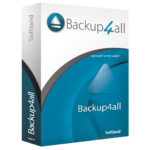
33% Off – Backup4All 9 Professional: Lifetime License – Your Professional Data Bodyguard – for Windows

Protects your valuable data from total or partial loss. Get Backup4All 9 Professional with 33% discount coupon.
✅ Save $10.00. ✅ One-time payment. ✅ Use the software for lifetime. ✅ Free Priority Support by SoftLand.
Backup4all Review at a Glance
Backup4all is an excellent backup software which can back up to local or external drives, to the network, FTP servers and 45 cloud destinations. It was deployed by NASA on the International Space Station to back up data from the laptops of the
crew.
Don’t be lightweight and back up your data on a regular basis – Backup4all helps you with a number of useful automatic backup features. The easy-to-use Backup4all 9 Lite backup program allows you to create an unlimited number of backup jobs to run automatically at specified intervals.
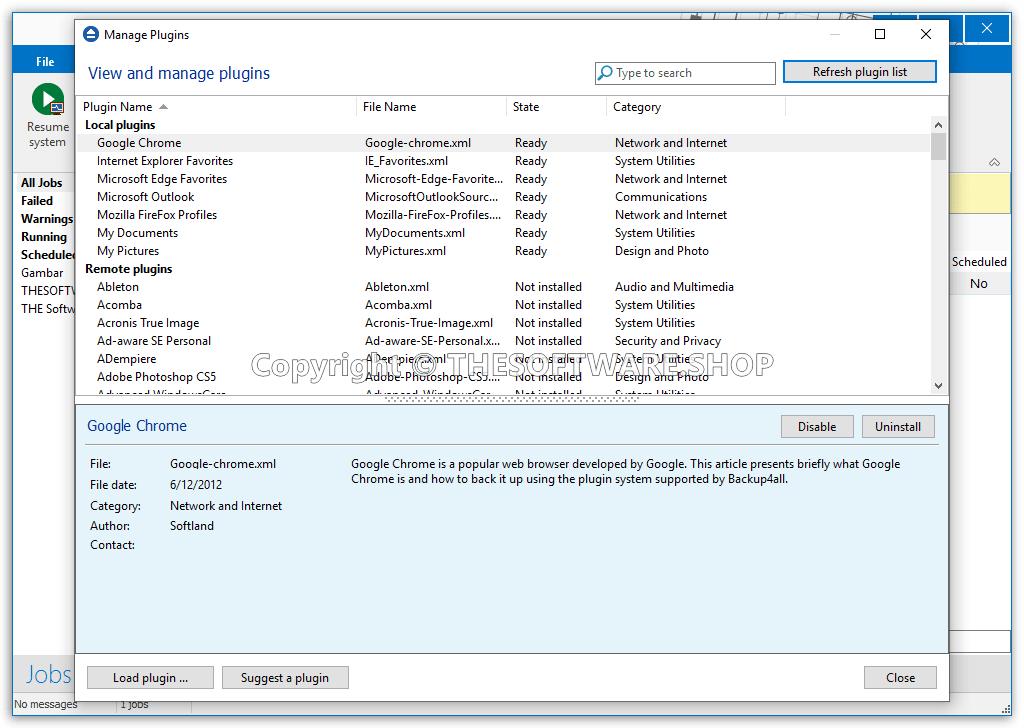
In addition to files and folders of your choice, you can also use add-ons, ready to automatically back up folders with documents and images, emails from Outlook or Thunderbird, or custom settings and favorite links lists from Firefox and Internet Explorer. More advanced features let you pack your backup files into a ZIP archive and protect them using a password, or filter files from backing up according to their format and other features. You can set up Backup4all regular backups every day, week, or month, or every time you shut down your computer.
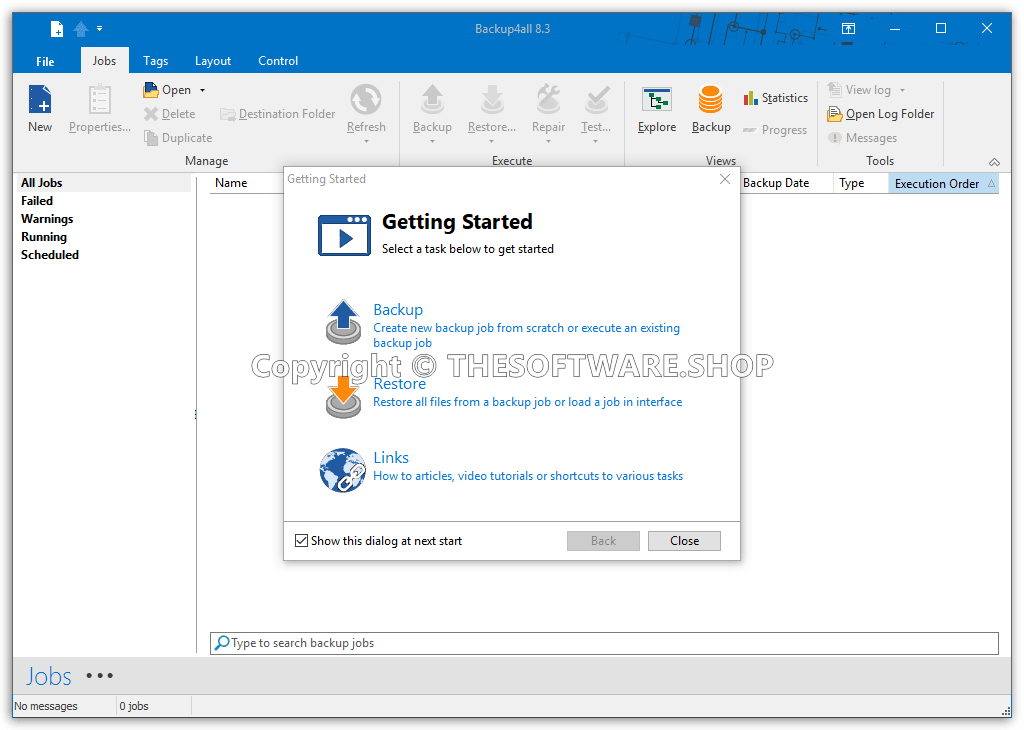
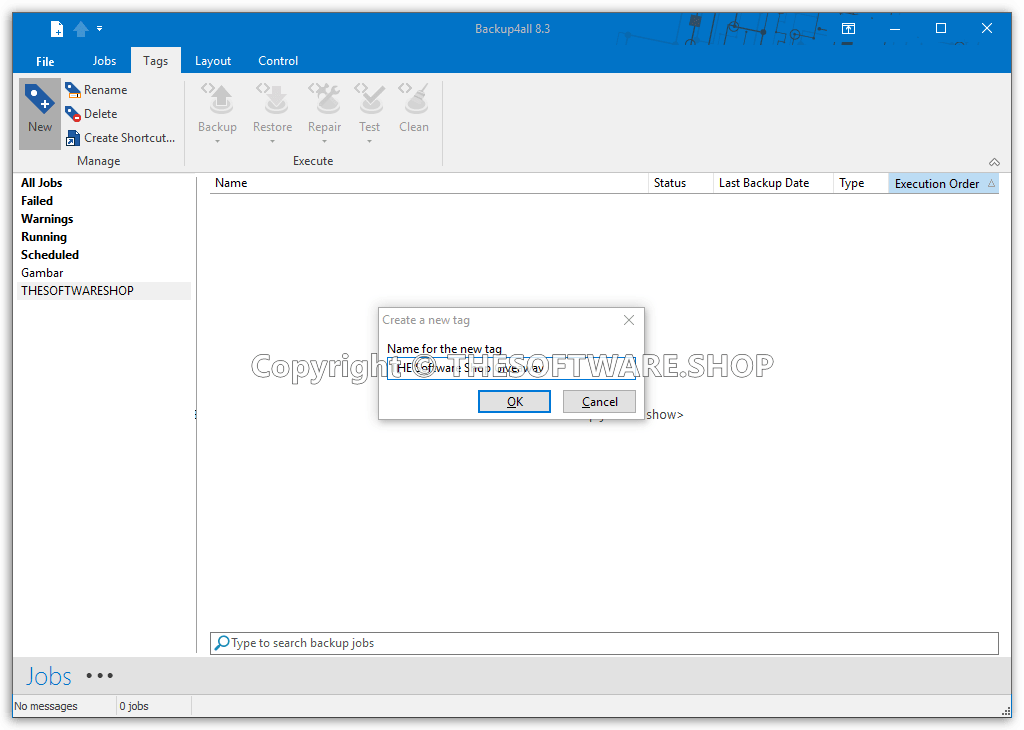
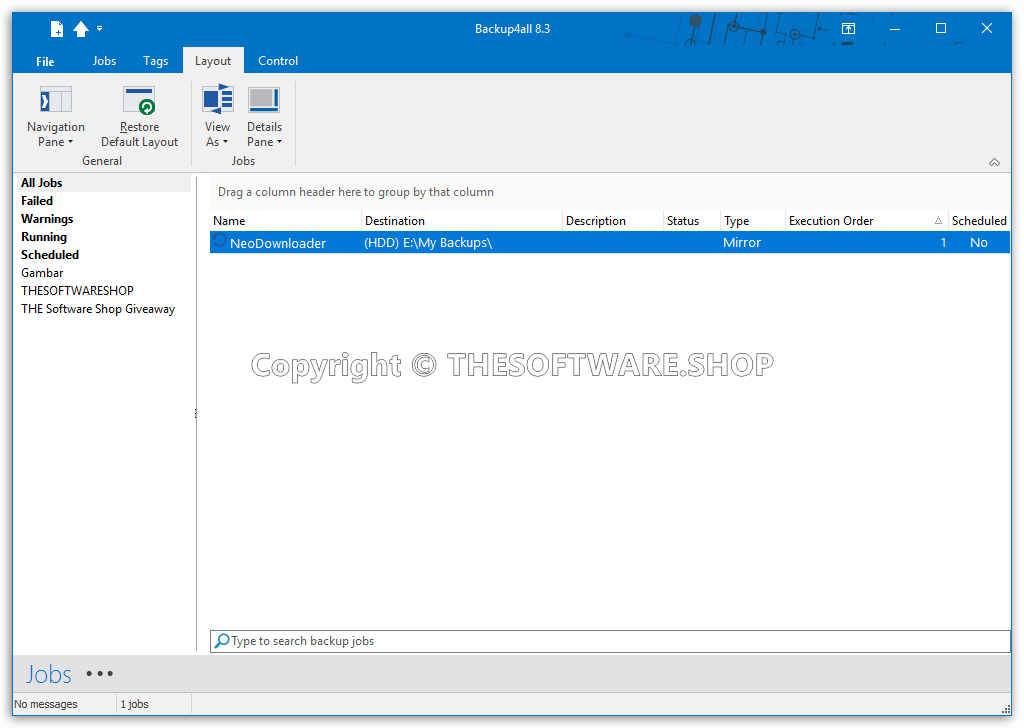
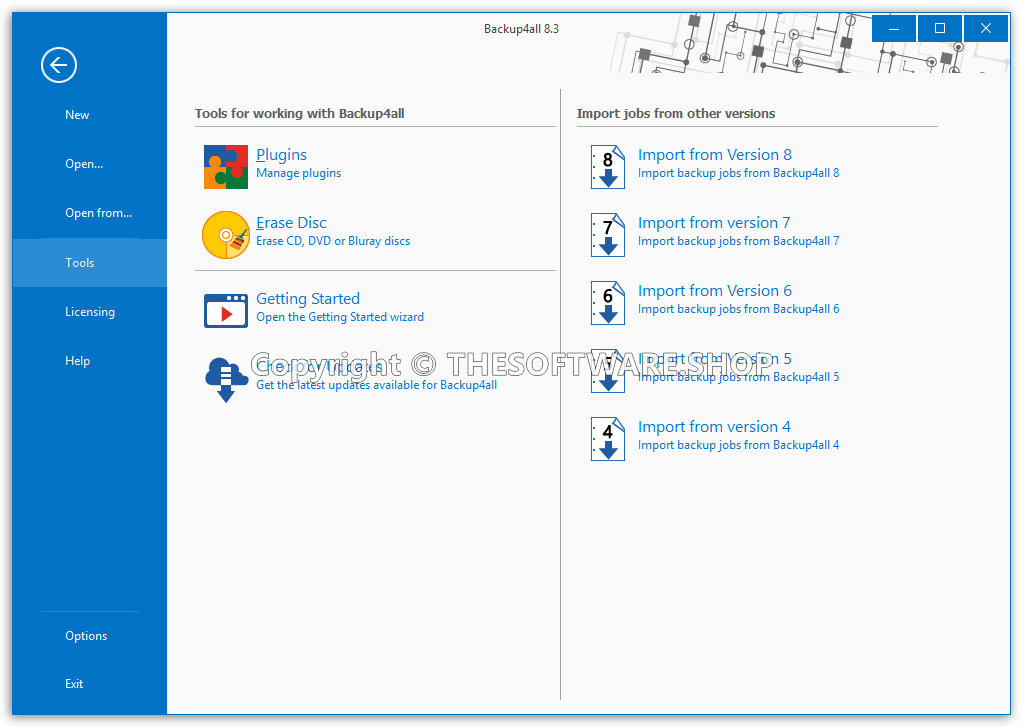
Screenshots of Backup4all

What’s New
Backup4all v9 is now available. This is a new major version with important features and updates thus we highly recommend the upgrade. It includes the option to add backup sources from cloud locations (Google Drive, Microsoft OneDrive, Dropbox, Amazon S3, Azure, BOX, Hidrive, Hubic and Amazon S3 Compatible destinations), FTP/SFTP, as well as the possibility to have different types of sources in the same backup (for example plugin data, sources from the cloud, from local drives) plus other new features and updates.
Changes in Backup4all 9.0
– Added: Backup plugin for EventSentry Light
– Added: Backup plugin for GoodAccess
– Added: Backup plugin for Shield Antivirus
– Added: Backup plugin for Bitrix24
– Added: Backup plugin for TallyPrime
– Added: Extra debug info log for Onedrive
– Added: New regions for Wasabi backup destination
– Added: Option to permanently activate a product key
– Added: Backup plugin for Bitdefender Total Security
– Added: Option to increase backup speed by using multiple parallel threads
– Added: Automatic resource allocation to improve job action speed
– Added: Backup plugin for CryptoTab Browser
– Added: Backup plugin for Vivaldi Browser
– Added: Show information about configuration jobs that cannot be imported
– Added: Backup plugin for Epic Browser
– Added: Backup plugin for ACDSee
– Added: Full compatibility with Windows 11
– Added: Automated file copy method switch to optimize backup speed for files larger than 1GB
– Added: Command line option to import backup jobs for all Windows users
– Added: Warning notices with extra details for backup plugins
– Added: More Wasabi cloud backup destination servers
– Added: Polycloud backup destination (S3 compatible)
– Added: Wasabi backup destination (S3 compatible)
– Added: Backup files from Google Cloud Storage
– Added: Backup files from Microsoft OneDrive
– Added: Backup files from Dropbox
– Added: Backup files from Google Drive
– Added: Define predefined network connection sources
– Added: Multiple different source types in one backup job (plugin + cloud + local sources in one job)
– Added: Backup files from Amazon S3
– Added: Backup files from Azure
– Added: Option to use HTTP in case HTTPS fails when checking for updates
– Added: Backup files from BOX
– Added: Backup files from Hidrive
– Added: Track time needed for upload/download when using cloud as source/destination
– Added: Backup files from Hubic
– Added: Backup sources from Amazon S3 Compatible (37 destinations)
– Added: Old catalogs are renamed and kept when importing jobs from previous versions
Features
There are 4 editions for Backup4all: Professional, Standard, Lite, and Portable. Backup4all Professional is the fully-featured edition, while Standard and Lite have fewer features enabled. Backup4all Portable is a portable version of Backup4all that can be installed ONLY on USB flash drives.
Backup Destinations | Professional | Standard | Lite | Portable |
|---|---|---|---|---|
| Cloud backups to Google Drive | ✔ | |||
| Cloud backups to Microsoft OneDrive | ✔ | |||
| Cloud backups to Box Cloud | ✔ | |||
| Cloud backups to Dropbox | ✔ | |||
| Cloud backups to Amazon S3 | ✔ | ✔ | ||
| Cloud backups to Azure | ✔ | ✔ | ||
| Cloud backups to Hidrive | ✔ | |||
| Cloud backups to Hubic | ✔ | |||
| 37+ Amazon S3 Compatible cloud destinations | ✔ | |||
| Backup to FTP (active/passive transfer modes) | ✔ | ✔ | ||
| Backup to Google Cloud Storage | ✔ | |||
| Backup to FTPS (FTPES, FTP-SSL or FTP Secure) | ✔ | ✔ | ||
| Backup to SFTP (SSH File Transfer Protocol) | ✔ | ✔ | ||
| Backup to CD/DVD (single/dual layer) | ✔ | ✔ | ✔ | ✔ |
| Backup to Blu-ray/HD-DVD | ✔ | ✔ | ✔ | ✔ |
| Backup to external HDD (USB/Firewire) | ✔ | ✔ | ✔ | ✔ |
| Backup to network drives | ✔ | ✔ | ✔ | ✔ |
| Backup to removable media (USB flash drive, floppy) | ✔ | ✔ | ✔ | ✔ |
| Backup to local hard drives | ✔ | ✔ | ✔ | ✔ |
| Backup to ZIP drives | ✔ | ✔ | ✔ | ✔ |
| Can be installed only on USB/Firewire devices, but cannot schedule backups. | ✔ | |||
Backup Sources | Professional | Standard | Lite | Portable |
| Backup from local hard drives | ✔ | ✔ | ✔ | ✔ |
| Backup from CD/DVD/Blu-ray | ✔ | ✔ | ✔ | ✔ |
| Backup from external HDD drives | ✔ | ✔ | ✔ | ✔ |
| Backup from removable media | ✔ | ✔ | ✔ | ✔ |
| Backup from network drives | ✔ | ✔ | ✔ | |
| Backup from ZIP drives | ✔ | ✔ | ✔ | ✔ |
Interface | Professional | Standard | Lite | Portable |
| Customizable ribbon interface | ✔ | ✔ | ✔ | ✔ |
| Remote backup monitoring via Backup4all Monitor | ✔ | ✔ | ✔ | ✔ |
| Show job details in card/list mode | ✔ | ✔ | ✔ | ✔ |
| Navigation pane | ✔ | ✔ | ✔ | ✔ |
| Notification messages | ✔ | ✔ | ✔ | ✔ |
| Windows Explorer contextual right-click menu | ✔ | ✔ | ✔ | ✔ |
| Explore View | ✔ | ✔ | ✔ | ✔ |
| Backup View | ✔ | ✔ | ✔ | ✔ |
| Progress View | ✔ | ✔ | ✔ | ✔ |
| View backup statistics | ✔ | ✔ | ✔ | ✔ |
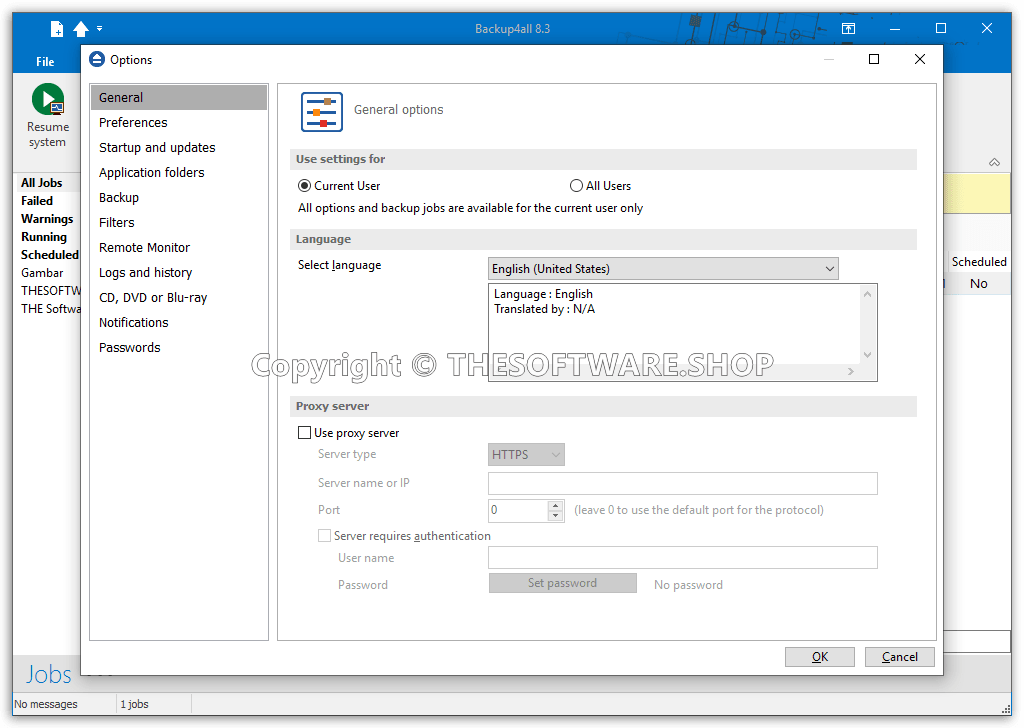
| Multi-language support | ✔ | ✔ | ✔ | ✔ |
| Group backup configurations using tags | ✔ | ✔ | ✔ | ✔ |
| Access application according to system privileges | ✔ | ✔ | ✔ | ✔ |
| Lock program interface with a password | ✔ | ✔ | ✔ | |
| Show “Getting Started” window | ✔ | ✔ | ✔ | ✔ |
| Show versions in Explore View | ✔ | ✔ | ✔ | ✔ |
| Start application at Windows startup | ✔ | ✔ | ✔ | |
| Minimize application to the system tray | ✔ | ✔ | ✔ | ✔ |
| Add sources with drag-drop | ✔ | ✔ | ✔ | ✔ |
| Search as-you-type for backup jobs/tags in the backup list | ✔ | ✔ | ✔ | ✔ |
| History window with backup, restore, test, cleanup logs | ✔ | ✔ | ✔ | |
| Show available space in destination on Statistics View | ✔ | ✔ | ✔ | ✔ |
| Create desktop shortcuts for backup jobs and backup tags | ✔ | ✔ | ||
| Default predefined backups | ✔ | ✔ | ✔ | ✔ |
| Microsoft Outlook backup plugin | ✔ | ✔ | ✔ | ✔ |
| Quick access toolbar | ✔ | ✔ | ✔ | ✔ |
| Advanced backup properties configurations | ✔ | ✔ | ✔ | ✔ |
| Customizable backup options | ✔ | ✔ | ✔ | ✔ |
| Visualization modes for application startup | ✔ | ✔ | ✔ | ✔ |
| MSI setup for automatic deployment | ✔ | ✔ | ✔ | |
| Automatic updates | ✔ | ✔ | ✔ | ✔ |
Backup | Professional | Standard | Lite | Portable |
| Block-backup | ✔ | ✔ | ✔ | |
| Backup open files | ✔ | ✔ | ✔ | ✔ |
| New Backup Wizard | ✔ | ✔ | ✔ | ✔ |
| Stop/cancel all backup jobs | ✔ | ✔ | ✔ | ✔ |
| AES encryption (128-bit, 192-bit, and 256-bit) | ✔ | ✔ | ||
| Password store management | ✔ | ✔ | ✔ | ✔ |
| Select individual files and folders to be backed up | ✔ | ✔ | ✔ | ✔ |
| Inclusion and exclusion filters for files and folders | ✔ | ✔ | ✔ | ✔ |
| Create and use general predefined filters | ✔ | ✔ | ✔ | ✔ |
| Possibility to pause, resume or stop a backup | ✔ | ✔ | ✔ | ✔ |
| Override filters | ✔ | ✔ | ✔ | ✔ |
| Suspend application | ✔ | ✔ | ✔ | ✔ |
| Run missed schedules | ✔ | ✔ | ✔ | |
| Email notifications on success, errors, warnings | ✔ | ✔ | ✔ | |
| Run program/action before and/or after backup | ✔ | ✔ | ✔ | |
| Run program/action only once | ✔ | ✔ | ✔ | |
| Clean backup action with parameters | ✔ | ✔ | ✔ | |
| Clear backup before executing a scheduled job | ✔ | ✔ | ||
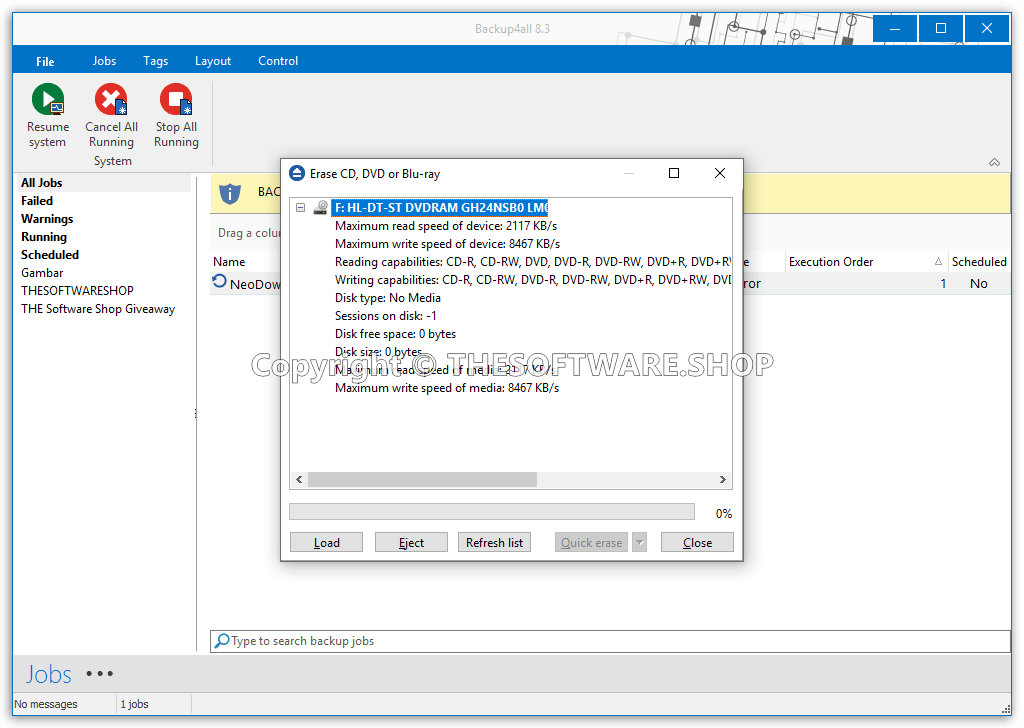
| Erase disc before backup | ✔ | ✔ | ✔ | ✔ |
| Use local catalogs | ✔ | ✔ | ✔ | ✔ |
| Play sound on success, warning, error | ✔ | ✔ | ✔ | |
| Set backup thread priority | ✔ | ✔ | ✔ | ✔ |
| One-Touch Backup | ✔ | ✔ | ||
| Independent spanned backups | ✔ | ✔ | ✔ | ✔ |
| Back up empty folders | ✔ | ✔ | ✔ | ✔ |
| Delete sources after a successful backup | ✔ | ✔ | ✔ | ✔ |
| Create backup log | ✔ | ✔ | ✔ | ✔ |
| Create a backup catalog file | ✔ | ✔ | ✔ | ✔ |
| Run backup at system shutdown | ✔ | ✔ | ||
| Run backup at log-on or log-off | ✔ | ✔ | ||
| Free backup plugins | ✔ | ✔ | ✔ | ✔ |
| Plugin creator to generate your own plugins | ✔ | ✔ | ✔ | ✔ |
| Possibility to set memory usage for backing up | ✔ | ✔ | ✔ | ✔ |
| Scheduled Suspend | ✔ | |||
| Browsable file and folder selection | ✔ | ✔ | ✔ | ✔ |
| Assign volume labels for removable media | ✔ | ✔ | ✔ | ✔ |
| Assign label for each backup version | ✔ | ✔ | ✔ | ✔ |
| Search file/folder in Backup view | ✔ | ✔ | ✔ | ✔ |
Backup Types✔ | Professional | Standard | Lite | Portable |
| Smart backup | ✔ | ✔ | ||
| True incremental backup | ✔ | ✔ | ||
| Differential backup | ✔ | ✔ | ✔ | |
| Full backup | ✔ | ✔ | ✔ | |
| Mirror backup – without compression | ✔ | ✔ | ✔ | ✔ |
| Mirror backup with individual file compression (.zip) | ✔ | ✔ | ✔ | ✔ |
| Store multiple versions for full backup type | ✔ | ✔ | ✔ | |
| Store multiple versions for differential backup type | ✔ | ✔ | ✔ | |
| Store multiple versions for incremental backup type | ✔ | ✔ | ||
| Limit number of backup versions | ✔ | ✔ | ✔ | |
Backup Format | Professional | Standard | Lite | Portable |
| Compress backup files (zip format) | ✔ | ✔ | ✔ | ✔ |
| Obfuscate file/folder name in zip archive | ✔ | ✔ | ✔ | |
| Support for zip64 technology | ✔ | ✔ | ✔ | ✔ |
| Choose zip compression level | ✔ | ✔ | ✔ | ✔ |
| Password protected zip files | ✔ | ✔ | ✔ | ✔ |
| Customize zip name prefix | ✔ | ✔ | ✔ | |
| Split zip files | ✔ | ✔ | ✔ | |
| One-to-one copy | ✔ | ✔ | ✔ | ✔ |
| Copy files with NTFS security permissions and alternate streams | ✔ | ✔ | ✔ | ✔ |
| Use NTFS change journal | ✔ | ✔ | ✔ | ✔ |
| Custom application data file locations | ✔ | ✔ | ✔ | |
Backup Execution | Professional | Standard | Lite | Portable |
| Show backup progress | ✔ | ✔ | ✔ | ✔ |
| Compress catalog on destination | ✔ | ✔ | ✔ | ✔ |
| Smart file scanning mode | ✔ | ✔ | ||
| Execute all backup configurations in a tag | ✔ | ✔ | ✔ | ✔ |
| Perform unattended backups using Windows scheduler | ✔ | ✔ | ✔ | |
| Command-line | ✔ | ✔ | ✔ | |
| Verify backup integrity before execution | ✔ | ✔ | ✔ | ✔ |
| Keep multiple catalog versions in the destination | ✔ | ✔ | ✔ | ✔ |
Test | Professional | Standard | Lite | Portable |
| Test backups | ✔ | ✔ | ✔ | ✔ |
| Test backup tags | ✔ | ✔ | ✔ | ✔ |
| Test & repair backups | ✔ | ✔ | ✔ | ✔ |
| Test FTP/FTPS/SFTP backups | ✔ | ✔ | ||
| Test after backup option | ✔ | ✔ | ✔ | ✔ |
| Set test thread priority | ✔ | ✔ | ✔ | ✔ |
| Backup test performed after writing each disc | ✔ | ✔ | ✔ | |
| Create test log | ✔ | ✔ | ✔ | ✔ |
Restore | Professional | Standard | Lite | Portable |
| Restore wizard | ✔ | ✔ | ✔ | ✔ |
| Schedule a restore operation | ✔ | ✔ | ✔ | |
| Restore using command line | ✔ | ✔ | ✔ | |
| Restore all files as of a specific date | ✔ | ✔ | ✔ | |
| Restore specific backup increments | ✔ | ✔ | ✔ | |
| Filter files to restore | ✔ | ✔ | ✔ | ✔ |
| Restore to a different folder | ✔ | ✔ | ✔ | ✔ |
| Restore selected file | ✔ | ✔ | ✔ | ✔ |
| Restore selected version of a file | ✔ | ✔ | ✔ | |
| Restore selected folder | ✔ | ✔ | ✔ | ✔ |
| Restore preview | ✔ | ✔ | ✔ | ✔ |
| Set restore thread priority | ✔ | ✔ | ✔ | ✔ |
| Create restore log | ✔ | ✔ | ✔ | ✔ |
| Restore only specific files from cloud backups | ✔ | ✔ |
Requirements
To run Backup4All with optimum reliability and performance, your system should match the following requirements:
- Windows 11, 10, 8, 7, Vista, XP SP3, Server 2019/2016/2012/2008/2003 (32/64-bits)
Backup4All Download
Not sure if Backup4All does what you need? Try it out now. Please feel free to download Backup4All Trial here. This data backup software by Softland has been tested professionally and we are assured that no viruses, Trojans, adware, or malware are contained.
Buy Now
Backup4All is priced starting at $19.99/lite, $39.99/standard, & $59.99/Professional, But, through our website, THE Software Shop, you can get Backup4All Professional (Latest version) includes free Softland’s Backup4All priority support with a 33% discount coupon code. This offer is available for a limited time!
Software Giveaway: You can also Backup4All Lite or Standard Edition with a serial number for FREE in the Giveaway tab below.

- Use the software for a lifetime for one computer.
- One-time payment.
- Free priority support.
- Local/external/network backup destinations
- 100+ free backup plugins for apps/games
- Mirror backups with/without zip compression
- Back-up only modified blocks (block backups)
- Cloud backups to 45+ online destinations
- AES Encryption & Password protection
- Add sources from the cloud or FTP/SFTP
- Can be installed on laptops/desktop computers
Works only on usb/firewire devices
Platform: Windows
- Use the software for a lifetime for one computer.
- One-time payment.
- Free priority support.
- Local/external/network backup destinations
- 100+ free backup plugins for apps/games
- Mirror backups with/without zip compression
- Back-up only modified blocks (block backups)
- Cloud backups to 45+ online destinations
- AES Encryption & Password protection
- Add sources from the cloud or FTP/SFTP
- Can be installed on laptops/desktop computers
Works only on usb/firewire devices
Platform: Windows
- Use the software for a lifetime for one computer.
- One-time payment.
- Free priority support.
- Local/external/network backup destinations
- 100+ free backup plugins for apps/games
- Mirror backups with/without zip compression
- Back-up only modified blocks (block backups)
- Cloud backups to 45+ online destinations
- AES Encryption & Password protection
- Add sources from the cloud or FTP/SFTP
Can be installed on laptops/desktop computers- Works only on usb/firewire devices
Platform: Windows
- Use the software for a lifetime for one computer.
- One-time payment.
- Free priority support.
- Local/external/network backup destinations
- 100+ free backup plugins for apps/games
- Mirror backups with/without zip compression
- Back-up only modified blocks (block backups)
Cloud backups to 45+ online destinationsAES Encryption & Password protectionAdd sources from the cloud or FTP/SFTP- Can be installed on laptops/desktop computers
Platform: Windows
- Use the software for a lifetime for one computer.
- One-time payment.
- Free priority support.
- Local/external/network backup destinations
- 100+ free backup plugins for apps/games
- Mirror backups with/without zip compression
Back-up only modified blocks (block backups)Cloud backups to 45+ online destinationsAES Encryption & Password protectionAdd sources from the cloud or FTP/SFTP- Can be installed on laptops/desktop computers
Platform: Windows

Genie Timeline Professional 10 BEST SELLER
Genie Backup Manager Pro 9.0 BEST SELLER
O&O DiskImage Professional Edition: 5-PC License (Perpetual) BEST SELLER
EaseUS Todo Backup Home 2026: Lifetime Upgrades BEST SELLER
AOMEI Backupper 8 Professional: Lifetime Upgrades BEST SELLER

NovaPDF Professional BEST SELLER
Backup4All Key Giveaway
Available now free: for Lite & Standard version
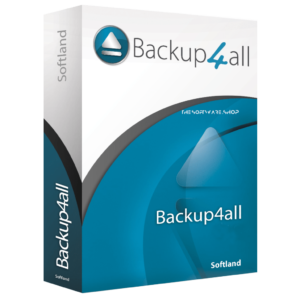
Please note that once you have signed in, do not close this page. You will be shown how to get this offer for free.
Also, check out the latest software giveaways that are available here on the software giveaway page.
NOTE:
– All prices shown here are in listed USD (United States Dollar). Your local currency will be converted automatically, You can also switch to any other currencies during the checkout process.
– The discount coupon & your local VAT (Value added tax – if available, vary by country) will be applied at checkout automatically.
– The order(s) for the software are processed by the 2Checkout company. This company accepts paying online, via PayPal, by fax, bank-wire transfer, check, cash, or purchase order.
You will receive a notification e-mail from 2Checkout/Avangate when your order is processed, including your license information.
– Such promotional programs are subject to change without notice, from time to time in our sole discretion.
– Data may vary based on different systems or computers.
Thanks for reading Backup4All Review & Enjoy the discount coupon. Please Report if Backup4All Discount Coupon/Deal/Giveaway has a problem such as expired, broken link, sold out, etc while the deal still exists.